
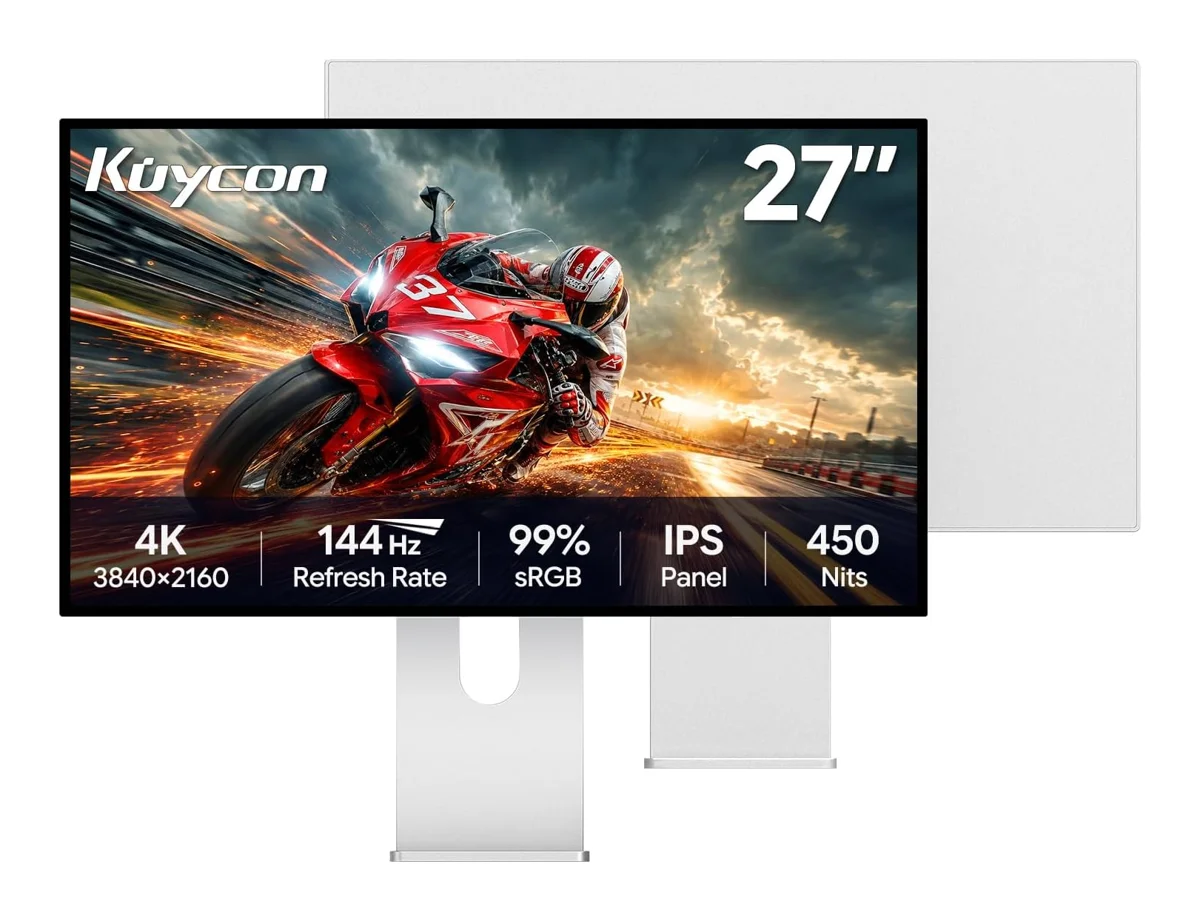
Kuycon monitors
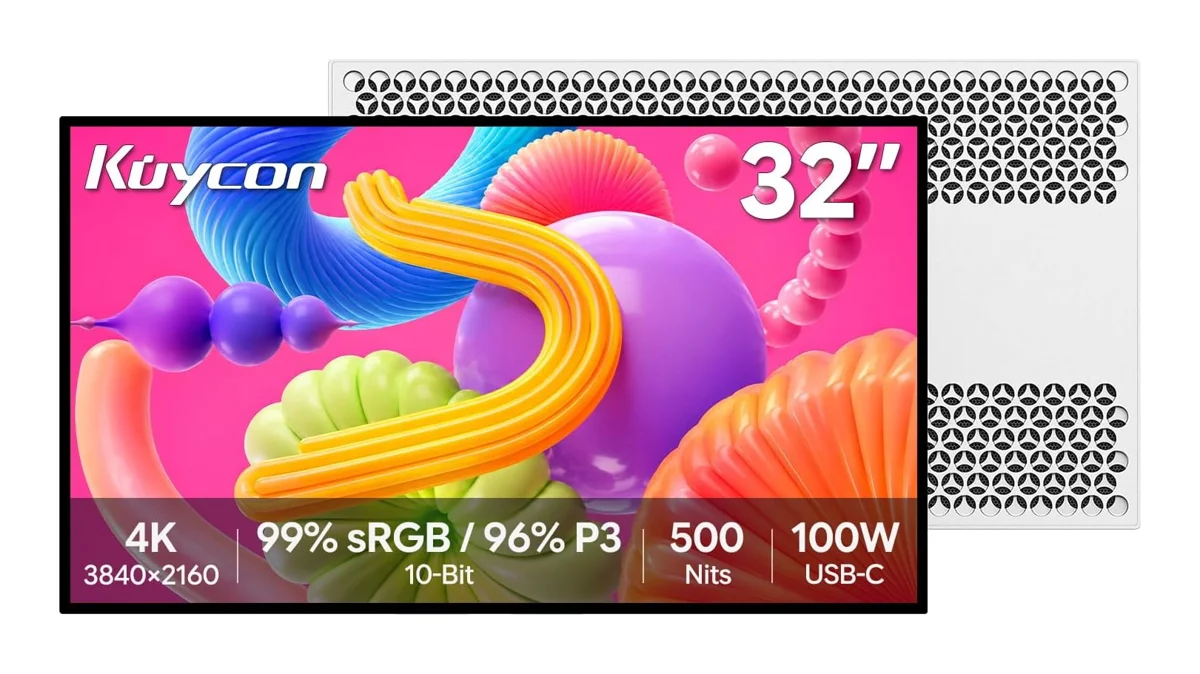
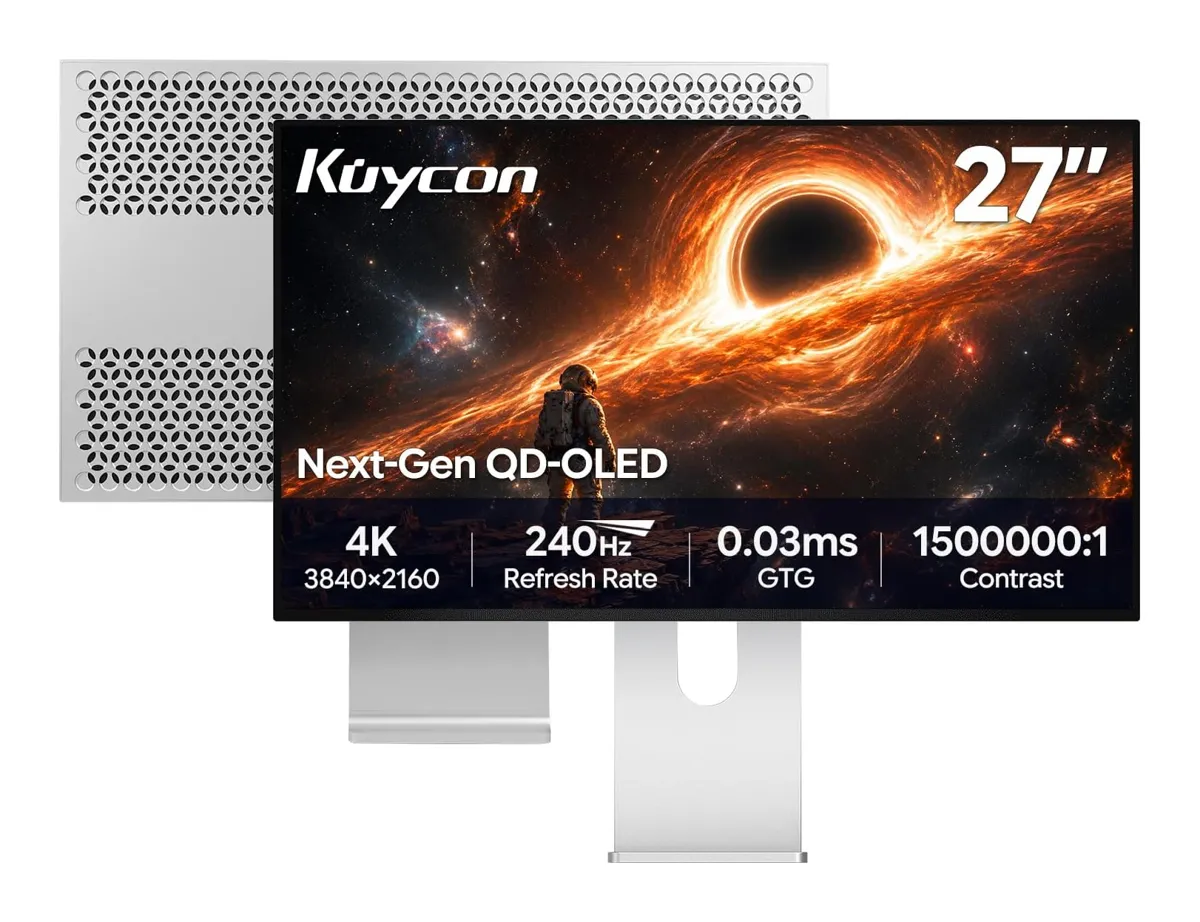
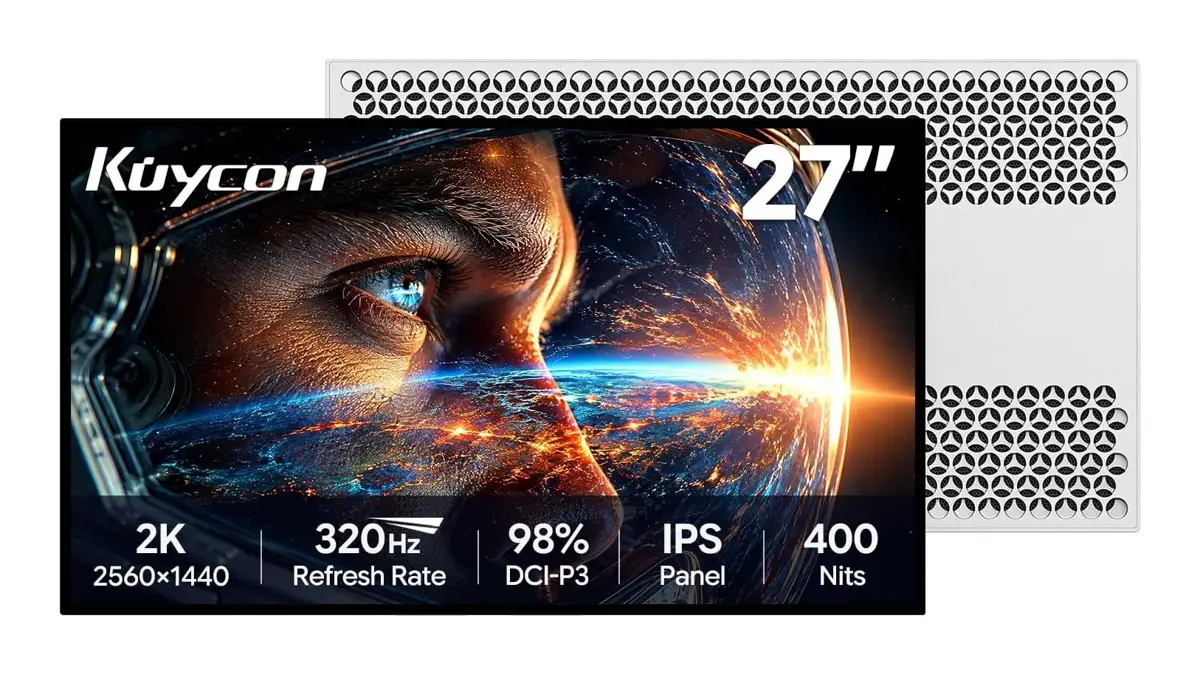
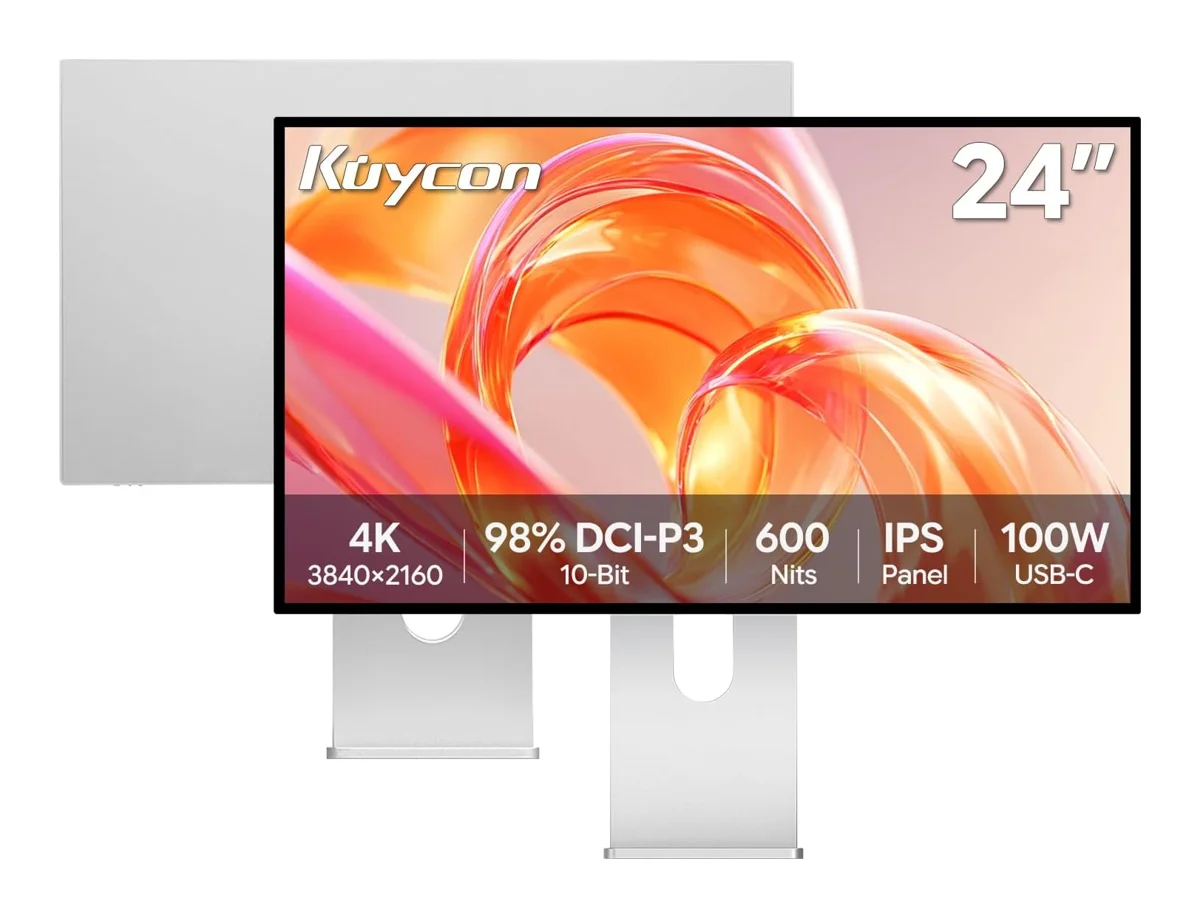
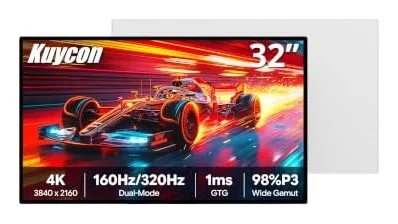
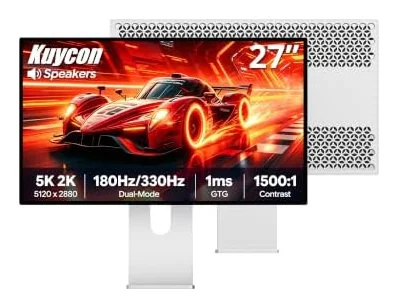
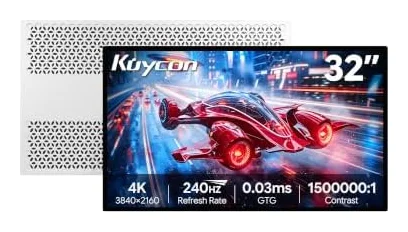
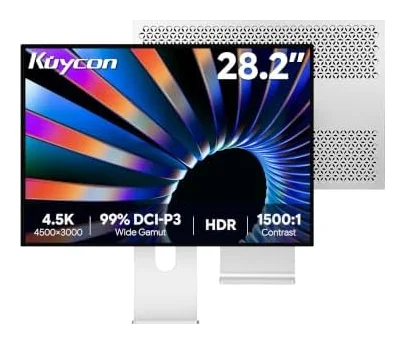
Kuycon monitors help you build a workspace around the way you work. Explore our collection and compare the details that matter for your desk, from the product design to the available configuration. Open each product to see its exact option, price and purchase destination. When choosing a display, consider screen size, resolution and the connections your computer supports. When choosing a stand, check the mounting requirements and package contents before ordering. Our product pages keep available options together so you can make a considered choice. Select your preferred configuration, then complete your purchase on Amazon.
Explore Kuycon monitors
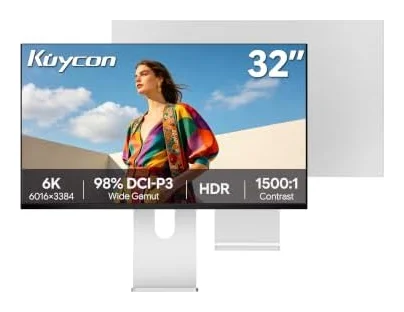
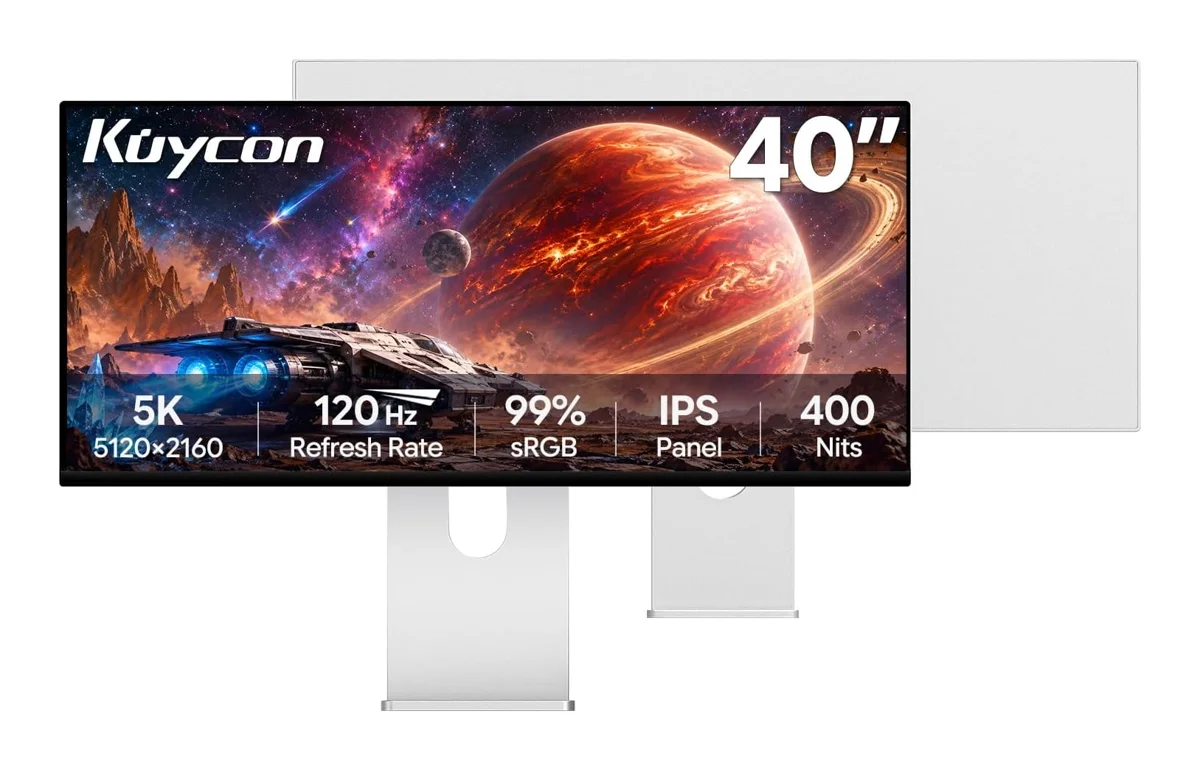
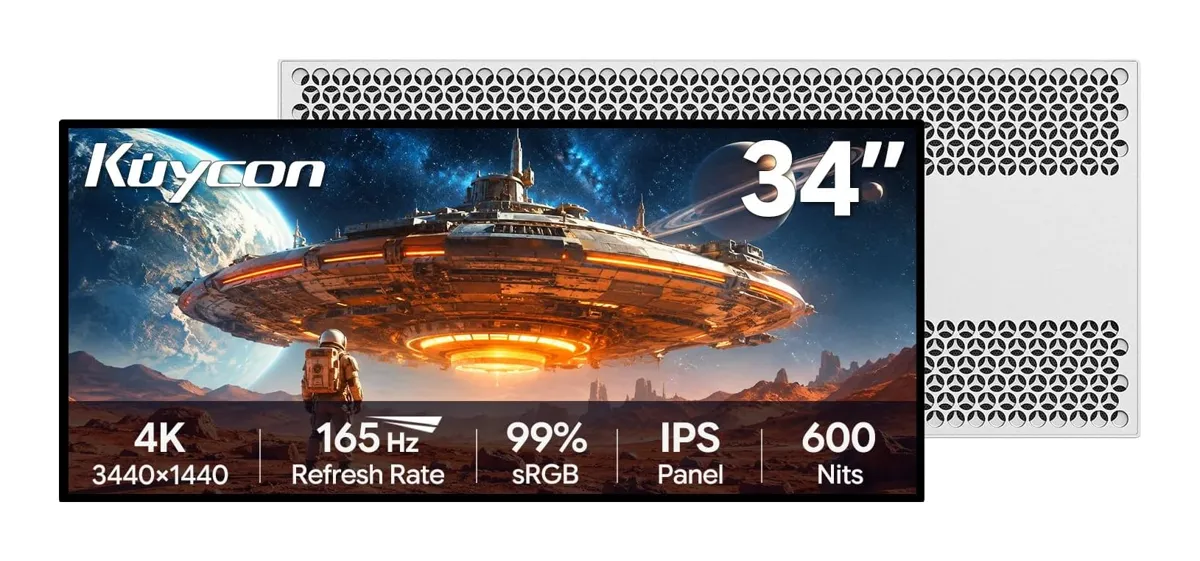
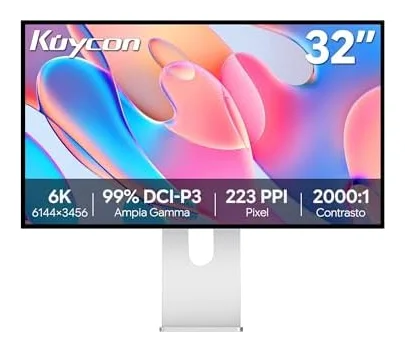
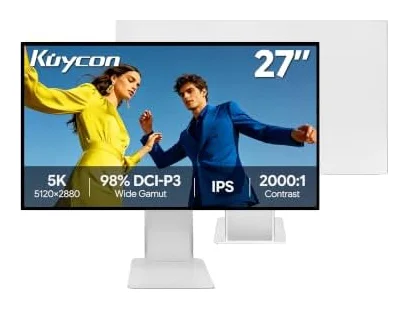

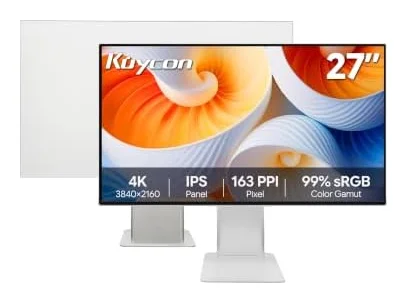
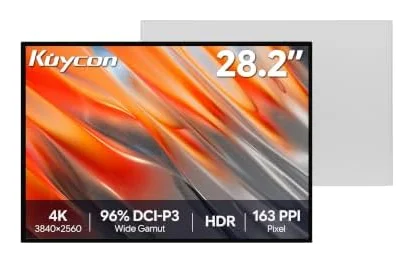
Kuycon monitors questions
How to connect two monitors?
Connect each monitor to a supported video output on your computer or compatible dock, then use your operating system’s display settings to arrange the screens. Check your computer’s maximum external display count and the resolution and refresh rate supported by each connection before choosing monitors.
How to calibrate monitor color?
Use your operating system’s display calibration tools for basic adjustments, or a compatible calibration instrument for a measured color workflow. Work in consistent lighting and select a color profile suited to your application. Calibration cannot extend a display’s physical color gamut.
How to clean monitor screen surfaces?
Turn off and unplug the monitor, then follow its care instructions. Use a clean, soft microfiber cloth and avoid pressing on the panel. Do not spray liquid directly onto the screen or use a cleaner unless it is approved for the display’s surface.
How to choose a gaming monitor?
Match resolution and refresh rate to your computer’s performance, then consider screen size, panel technology and the connections you need. Compare the exact configuration rather than assuming every monitor with the same screen size has the same capabilities.
How to connect an external monitor to a laptop?
Use a video connection supported by both the laptop and monitor, with a suitable cable or adapter. A USB-C connector does not by itself guarantee video support. Check the laptop and monitor specifications for the resolution, refresh rate and any charging capability you need.